How to Clean Metals with a CORMAK Laser Cleaner – Step-by-Step
How to Clean Metals with a CORMAK Laser Cleaner – Step-by-Step
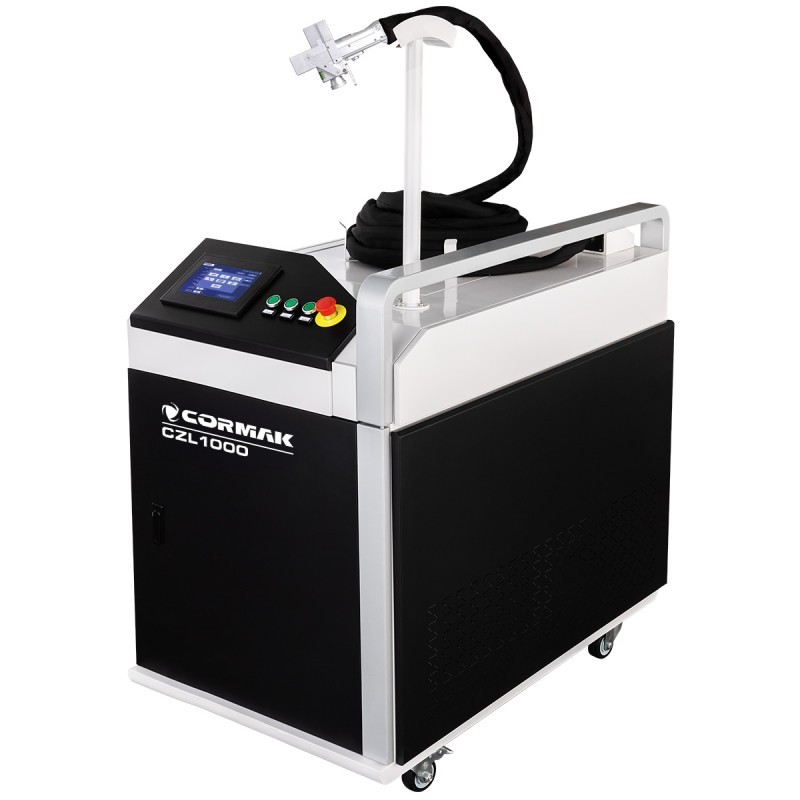
Laser cleaning is a modern method of removing rust, paint, oil, or oxides from metal surfaces without chemicals. This article explains how to safely and effectively use the CORMAK laser cleaner – a next-generation device for industrial applications.
Advantages of the CORMAK Laser Cleaner
- Non-contact process – no mechanical damage,
- No chemicals required,
- High precision and selective cleaning,
- Compatible with various materials: steel, aluminum, copper, wood, stone,
- Touchscreen interface with ready-to-use cleaning modes.
Getting Ready
- Wear safety goggles and protective clothing,
- Check cables and cooling system,
- Set up the work area – the device emits Class IV laser radiation.
How to Use the Laser Cleaner
Step 1: Power on the device
Turn on the system via the main switch. Use the touchscreen to select the cleaning mode.
Step 2: Adjust parameters
Set power, frequency, scan speed, and beam width depending on the contamination and material.
Step 3: Begin cleaning
Hold the head 10–20 cm from the surface and move it steadily over the area.
Application Examples
- Rust and corrosion removal from steel parts,
- Paint stripping without surface damage,
- Surface prep before welding or coating,
- Cleaning molds, dies, and industrial tools.
Summary
The CORMAK laser cleaner is an essential tool for workshops and production facilities where speed and precision matter. Laser technology enables eco-friendly, contactless cleaning. Contact our technical advisor and see how it can transform your operations.
Latest blog postsAll articles →